
The systems your business relies on every day are increasingly cloud-based, but protecting the platform and protecting your data are not the same thing. Learn why cloud-to-cloud backups have become an important part of modern business operations.
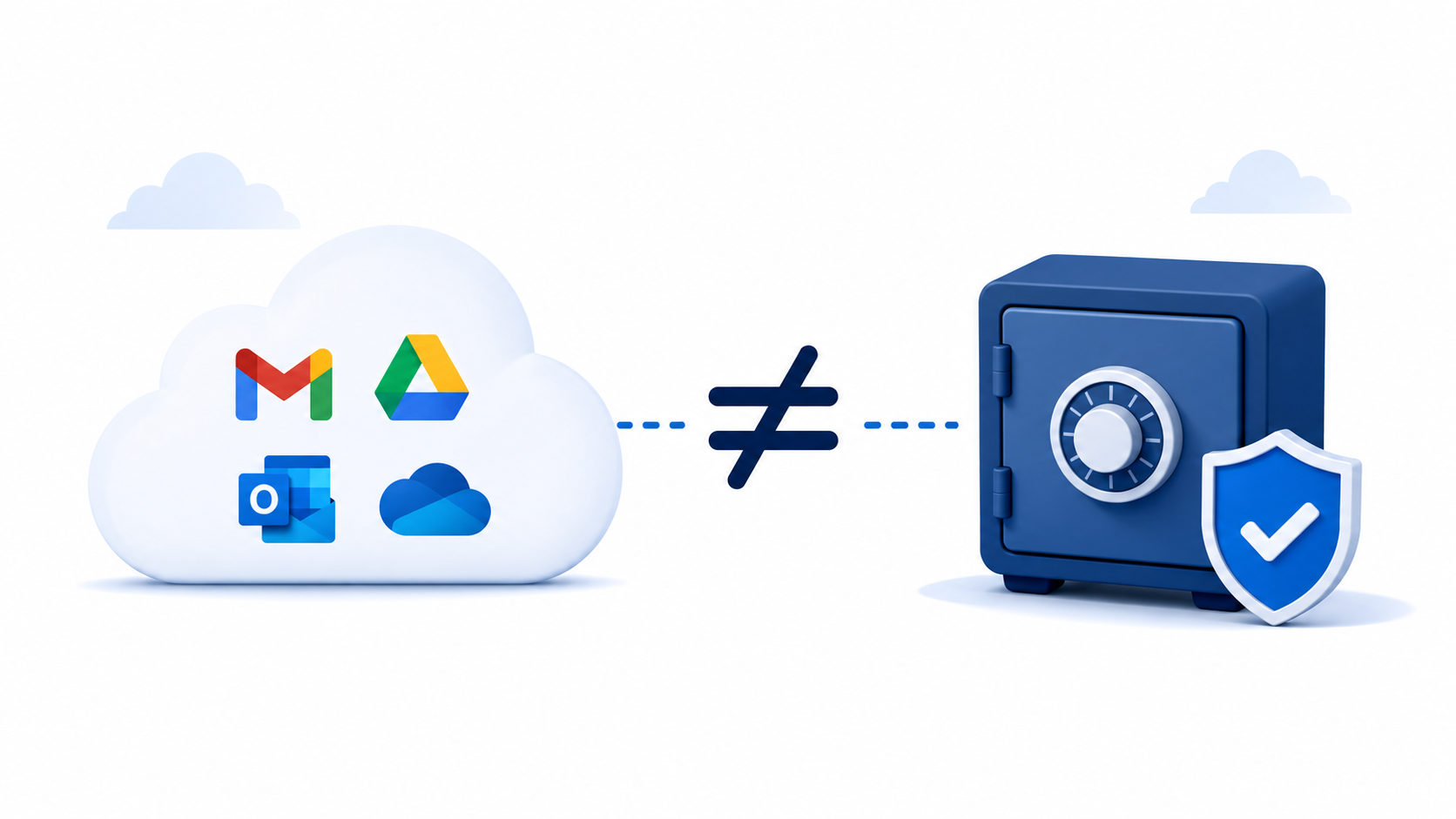
Many businesses assume that because their files and email are stored in the cloud, they are automatically protected against data loss.
It's an understandable assumption. After all, platforms like Google Workspace and Microsoft 365 are highly reliable. Their services are available from almost anywhere, data is synchronized across devices, and outages are relatively rare.
However, there is an important distinction that often gets overlooked: cloud storage is not the same thing as cloud backup.
Understanding that difference can help businesses avoid costly disruptions and protect years of operational knowledge.
Google and Microsoft invest enormous resources into keeping their platforms running. Their infrastructure is designed with redundancy, security, and reliability in mind. If a server fails, another takes over. Data is replicated across multiple systems. Entire teams work around the clock to maintain service availability.
That level of reliability is one of the biggest advantages of moving to the cloud.
However, availability and backup are not the same thing.
The primary goal of Google Workspace and Microsoft 365 is to make your data accessible and synchronized. Their responsibility is to keep the platform operational. They are not responsible for guaranteeing that every piece of data can be recovered indefinitely after it has been modified or deleted.
In other words, they protect the service. You are responsible for protecting your business data.
When people think about data loss, they often imagine a server failure or a major technology outage. In reality, those events are relatively uncommon.
Most data loss incidents happen because of everyday business activities.
An employee accidentally deletes an important folder and nobody notices for several weeks.
A former employee's account is removed during offboarding, only for someone to realize months later that critical information was stored in that mailbox.
A synchronization error or migration project overwrites important files.
A malicious user intentionally deletes documents before leaving the company.
In each of these situations, the cloud platform may be functioning exactly as intended. The issue is not that Google or Microsoft failed. The problem is that the data itself was changed, deleted, or lost.
Without an independent backup, recovery options may be limited.
One of the most important concepts in cloud computing is the shared responsibility model.
Cloud providers are responsible for securing and operating the infrastructure that delivers the service. Customers are responsible for managing and protecting their own data.
This model is common across cloud services and is well documented by both Google and Microsoft.
The distinction matters because many organizations unknowingly assume that data protection is included as part of the platform itself. While both providers offer retention features and recovery options, those tools are not designed to replace a dedicated backup strategy.
Businesses with regulatory requirements, long retention needs, or critical operational data often need a separate layer of protection.
Cloud-to-cloud backup creates an independent copy of data that exists outside the primary environment.
For example, a business using Google Workspace may choose to back up:
A Microsoft 365 environment may include:
Because the backup exists separately from the production environment, deleted or modified data can often be recovered long after it has disappeared from the original platform.
This provides an additional layer of protection against accidental deletion, malicious actions, ransomware, administrative mistakes, and other common causes of data loss.
Many small businesses assume backups are only necessary for large organizations with dedicated IT departments.
In reality, smaller organizations often have the most to lose.
Years of customer communications, project documentation, financial records, contracts, proposals, operating procedures, and internal knowledge are increasingly stored in cloud platforms. Losing access to that information can create operational disruptions that are difficult and expensive to resolve.
A useful question to consider is this:
If a critical employee mailbox or shared drive disappeared today, how confident are you that you could fully restore it six months from now?
For many businesses, the answer is less certain than expected.
There are several cloud-to-cloud backup solutions available today. One option we frequently recommend is Afi.
Afi is designed specifically to protect data stored in Google Workspace and Microsoft 365 environments. It provides automated backups, flexible retention options, and recovery tools that make it possible to restore individual files, emails, mailboxes, shared drives, and other business data when needed.
For small and mid-sized organizations, it offers a practical way to add an additional layer of protection without introducing significant complexity.
Moving to the cloud has improved reliability, accessibility, and collaboration for businesses of every size.
At the same time, many organizations mistakenly assume that cloud platforms automatically solve every aspect of data protection.
Google Workspace and Microsoft 365 are excellent productivity platforms, but they are not backup platforms.
The systems themselves are incredibly resilient. The question is whether your business data is equally protected.
Cloud-to-cloud backups help close that gap by providing an independent copy of the information your business relies on every day.